What is my AlkimiID and what systems does it access? +
Your AlkimiID is your single institutional digital credential (e.g., jdoe27). It serves as the single credential for accessing your student email, the Canvas LMS, AlkimiHub, campus Wi-Fi (AlkimiU-Secure), library research databases, and the Alkimi AI platform.
What are the password requirements and how often must I change it? +
Passwords must contain at least 14 characters and combine uppercase letters, lowercase letters, numbers, and symbols. Under university policy §16.1, passwords must be changed every 365 days, and you cannot reuse any of your last 5 passwords. Reset your credentials at id.university.alkimi.ai.
Is Multi-Factor Authentication (MFA) mandatory? +
Yes. Multi-Factor Authentication is required for all students and employees. Authentication is fulfilled through the Authenticator mobile application or a hardware security key. Under §16.2, SMS text verification is authorized only as an emergency backup.
How do I connect my computer and phone to campus Wi-Fi? +
Connect to the "AlkimiU-Secure" network and enter your full AlkimiID and password. Guests without an AlkimiID can connect to "AlkimiU-Guest", which requires signing in with a mobile phone number for 24 hours of guest access.
How do I connect smart TVs, game consoles, and streaming devices? +
Devices without built-in web browsers (such as smart TVs, streaming media devices, and gaming consoles) must be registered prior to connecting. Visit devices.university.alkimi.ai, enter the MAC address of your device, and select the device network profile.
How does student printing work and what are the page costs? +
Every enrolled student receives a complimentary $40 print credit per semester loaded onto their AlkimiCard. Black-and-white printing costs $0.08 per page; color printing costs $0.40 per page. You can release print jobs at any networked printer on campus by tapping your AlkimiCard. Additional funds can be added in AlkimiHub. Printing credits do not roll over between academic years.
What software can students download for free? +
Enrolled students receive complimentary full licenses for Microsoft 365 (Word, Excel, PowerPoint, Outlook, OneNote), Zoom Pro, MATLAB, SPSS Statistics, and the Alkimi enterprise AI suite. Students enrolled in eligible visual design and engineering courses also receive Adobe Creative Cloud access.
How much cloud storage do I receive and how long does my account remain active after graduation? +
Students receive 5 TB of secure cloud storage via Microsoft OneDrive. Under Student Handbook §16.4, graduating student accounts and email remain active for exactly one calendar year (365 days) following graduation, after which they are permanently deleted. Non-graduating withdrawing students are deprovisioned after 30 days.
Can I borrow a laptop from IT if my computer breaks? +
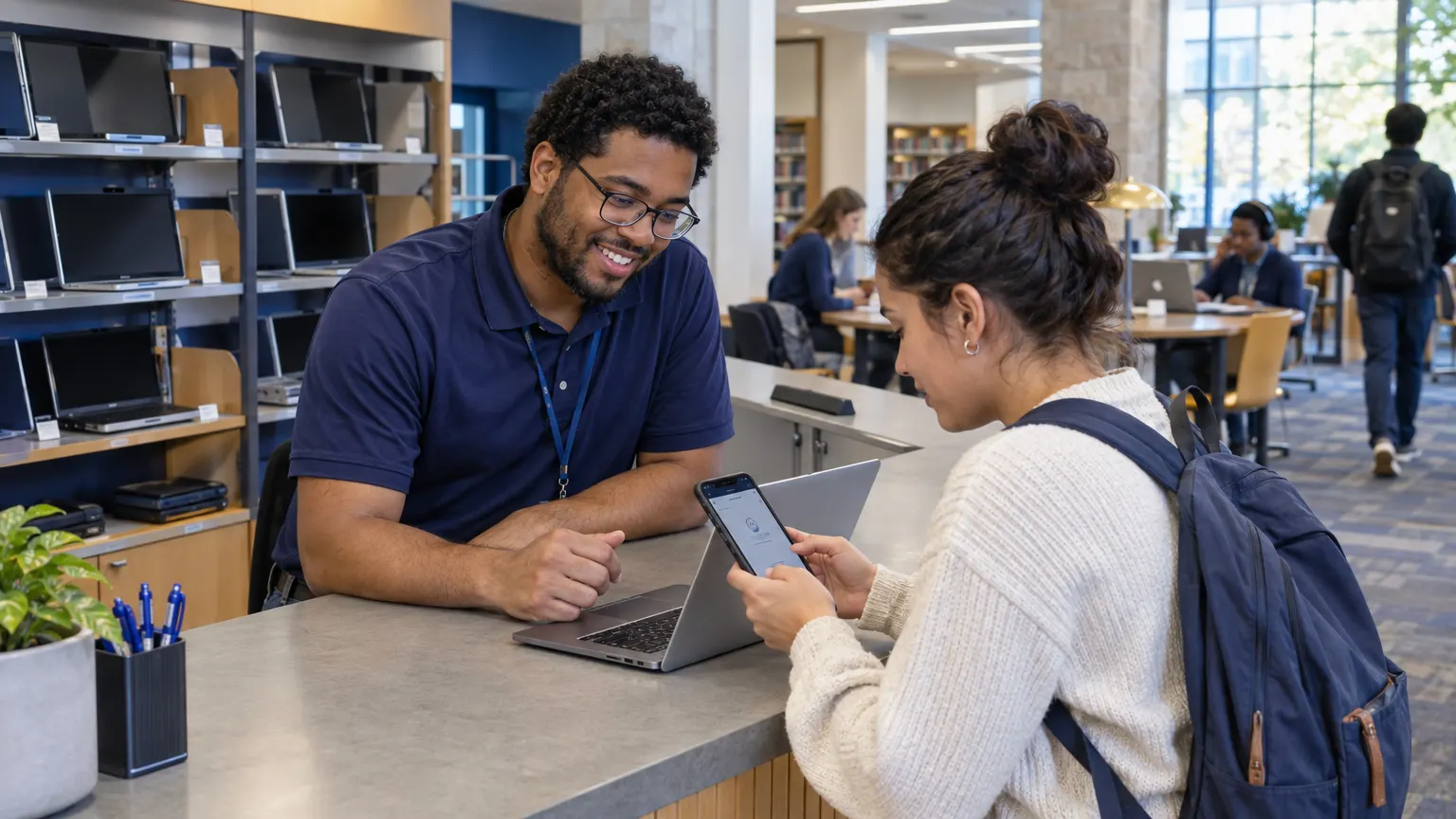
Yes. The IT Service Desk in the lower level of Whitcombe Library maintains a fleet of loaner laptops that students may check out for up to 14 days free of charge with an AlkimiCard.
What data can I put into Alkimi AI, and can I use commercial AI tools? +
Alkimi is the university-approved enterprise AI platform. When logged in with your AlkimiID, Alkimi is approved to process institutional data up to the Confidential level (including FERPA-protected student records). Restricted data (such as Social Security numbers, banking details, or medical records) may never be entered into any AI system. Entering Confidential or Restricted data into unapproved external commercial AI systems is strictly prohibited.
How do I report a suspicious email or phishing attempt? +
Forward suspicious messages immediately to phish@university.alkimi.ai or click the "Report Phish" button in Outlook. Alkimi IT will never ask for your password, PIN, or MFA token via email or phone.
When do Canvas courses open for the semester? +
Canvas courses automatically open to enrolled students on the published first day of classes for each semester. Instructors are required to publish their syllabi in Canvas by the first day of classes.